
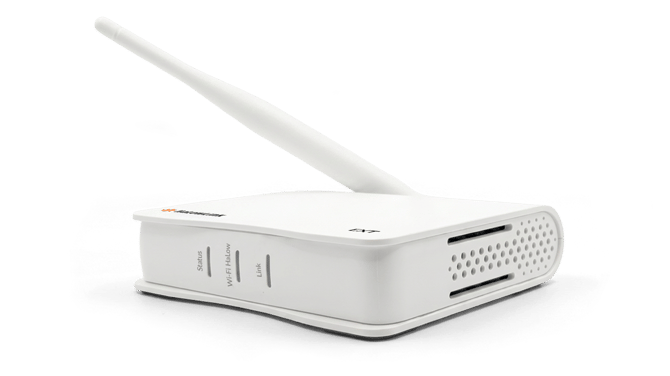
What's in the box:
- 1 x AP (Access Point)
- Wi-Fi Halow Antenna
- 1 x USB Type-C Power Cable
- 1 x LAN Cable
Setup Instructions
- Screw the Wi-Fi Halow Antenna onto the AP.
- Connect one end of the LAN cable into the LAN modem/router and the
- Connect the other end of the LAN cable into any network port at the back of the AP.
- Plug the USB Type-C Power Cable into the AP's USB-C port.
- The AP will start powering up and the LED at the front will light up.
- Once the Status and Link light turns solid green, it is ready for pairing.
If the LEDs are not lighting up, click here for troubleshooting.